
Abhi Samrat
Explore Smarter. Choose Better
Explore Smarter. Choose Better
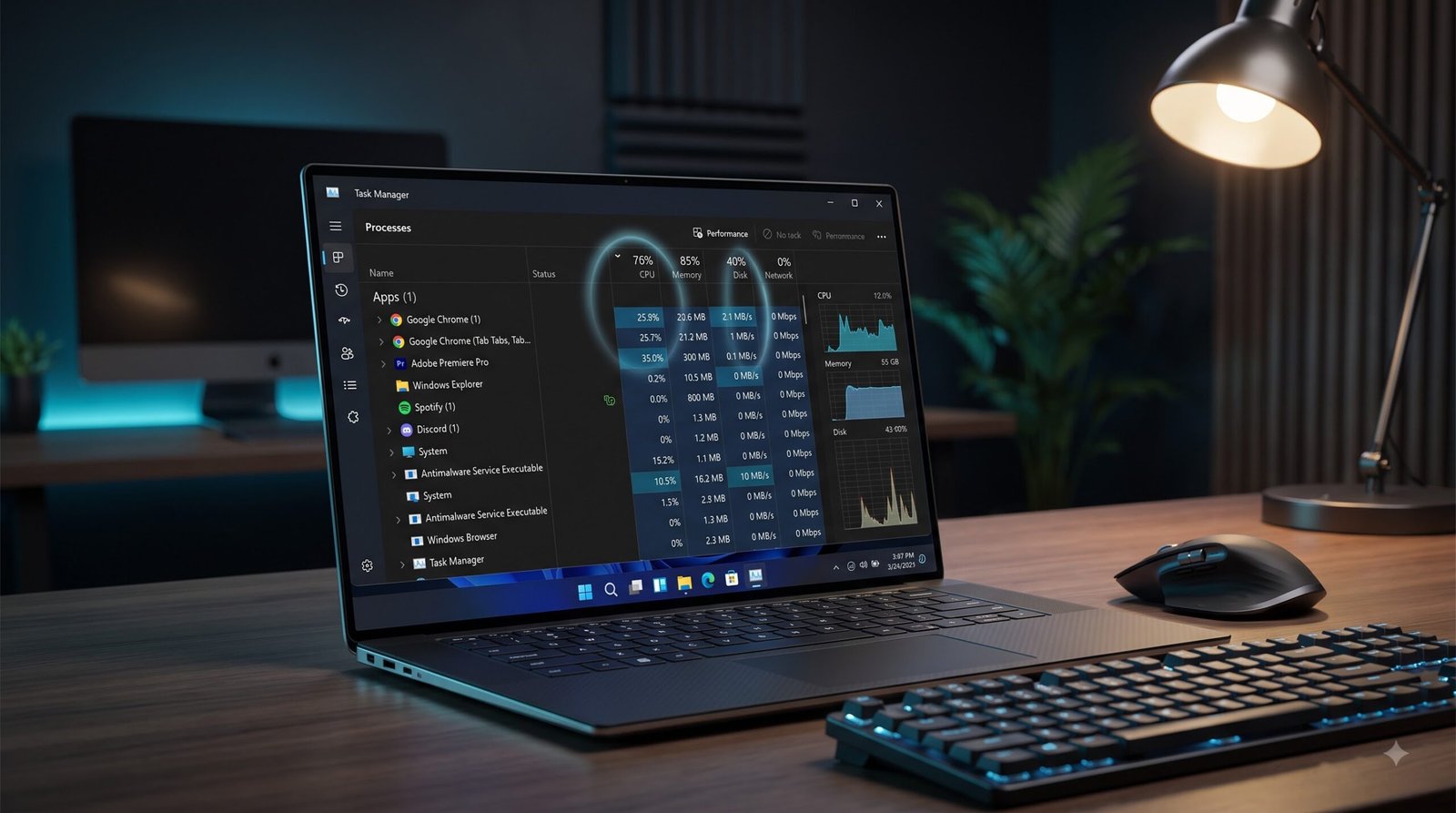
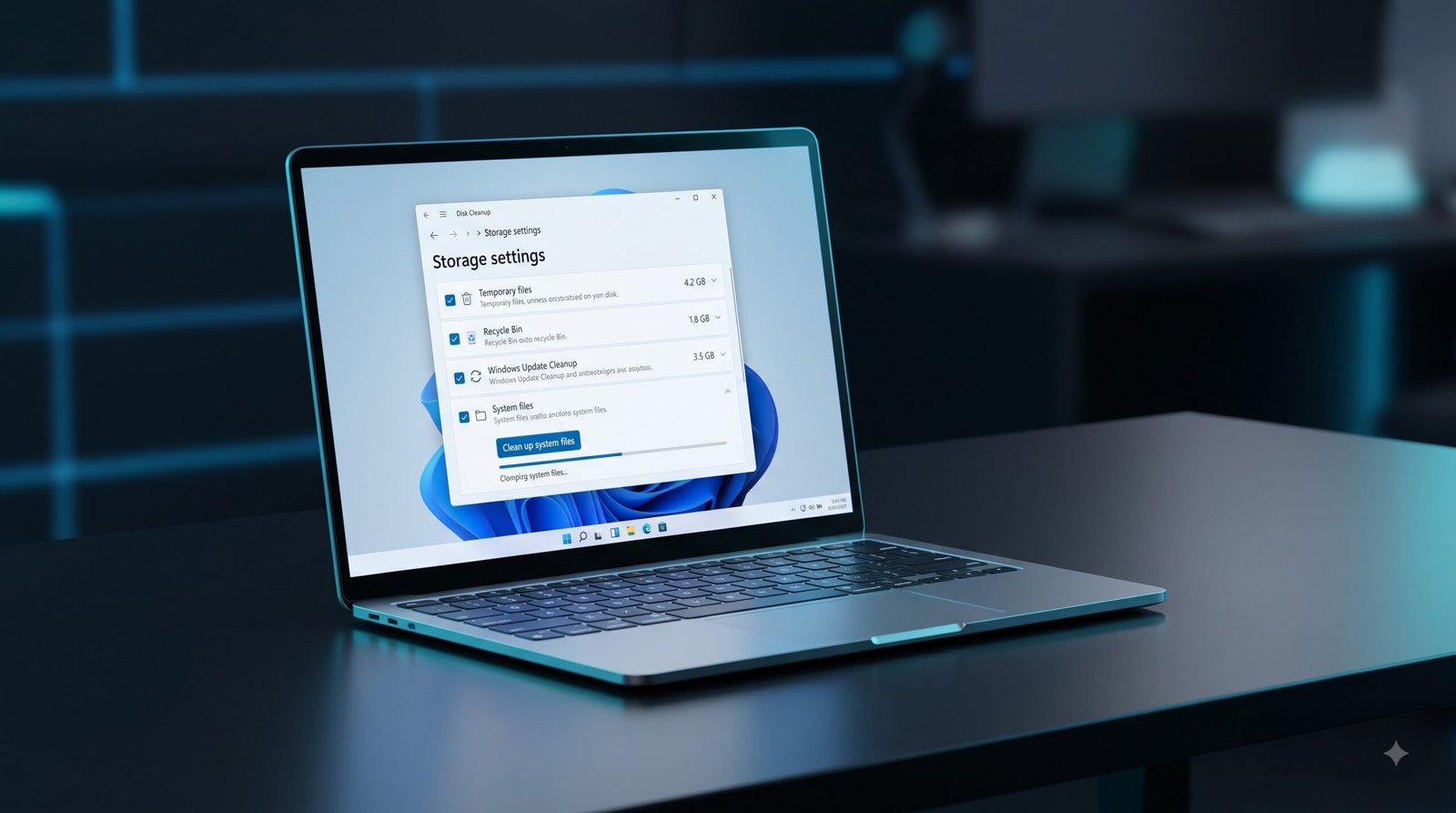
Aapke system me temporary files aur cache jama hone se drive full ho jati hai, jisse OS overall slow perform karne lagta hai. Windows ke built-in clean up tools ka use karke is garbage file dump ko aasani se clean kiya ja sakta hai.
Windows boot hote hi bohot saare apps background me auto-start ho jaate hain. Yeh apps bina wajah RAM aur CPU resources waste karte hain.
MSCONFIG me ‘Number of Processors’ setting active karne se speed nahi badhti. Yeh developer debugging ke liye hai taaki cores ko limit kiya ja sake.
Third-party driver utility apps ke fasaad se door rahein. Yeh system files corrupt karte hain aur adware/spyware install kar sakte hain.
Agar aapke Windows PC me unexplained crashes, slow dynamic performance, ya system system startup errors aa rahe hain, toh system files corrupt ho sakti hain. Windows ke paas inko automatic scan aur repair karne ke liye do zبردست internal utilities hain: SFC aur DISM.
sfc /scannow
Windows OS performance upgrade ke liye storage architecture ko samajhna zaroori hai. HDD aur SSD ke mechanics mein zameen-aasman ka farq hai.
Purani technology jo spinning physical magnetic platters aur dynamic mechanical heads par depend karti hai.
No moving parts. Direct, instant electrical pathway through high-speed flash chips.
Hard Disk Sentinel portable utility ke jariye storage health regularly verify karein. Agar drive click-of-death, repetitive freezing, ya extreme slowdown show karti hai, toh system critical hardware crash stage par ho sakta hai.
Apne computer ya laptop ki processing speed ko boost karne aur lag/heat khatam karne ke teen sabse asardaar tareeqe.
Task Manager (Ctrl + Shift + Esc) khol kar dekhein kaunse apps background me zyada memory consume kar rahe hain. Unused apps ko select karein aur ‘End Task’ par click karke RAM free karein.
Follow this logical sequence to systematically isolate physical failures, software conflicts, and deep OS corruption without skipping critical diagnostics.
Use tools like WinDbg or BlueScreenView to parse dump files and identify the exact driver causing memory crashes.
Notifications